Every D2TR tool, right where you research
Check publishers, news activity, page entities and related Discover coverage without leaving the tab.
See the whole extension at work
Six connected checks, built around the page or domain in front of you.
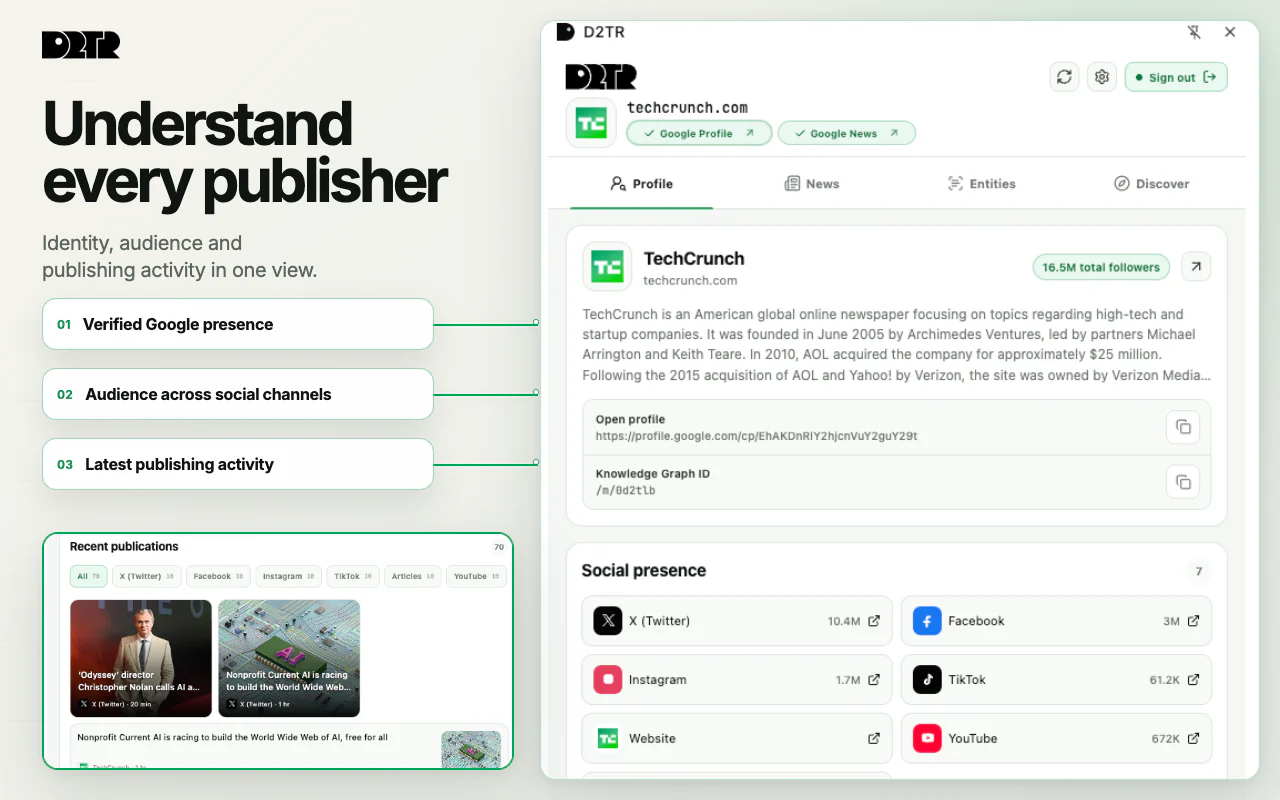
Understand every publisher.
Verify Google Profile and Google News presence, follower reach, social channels and publishing activity in one view.
- Identity, audience and recent output together.
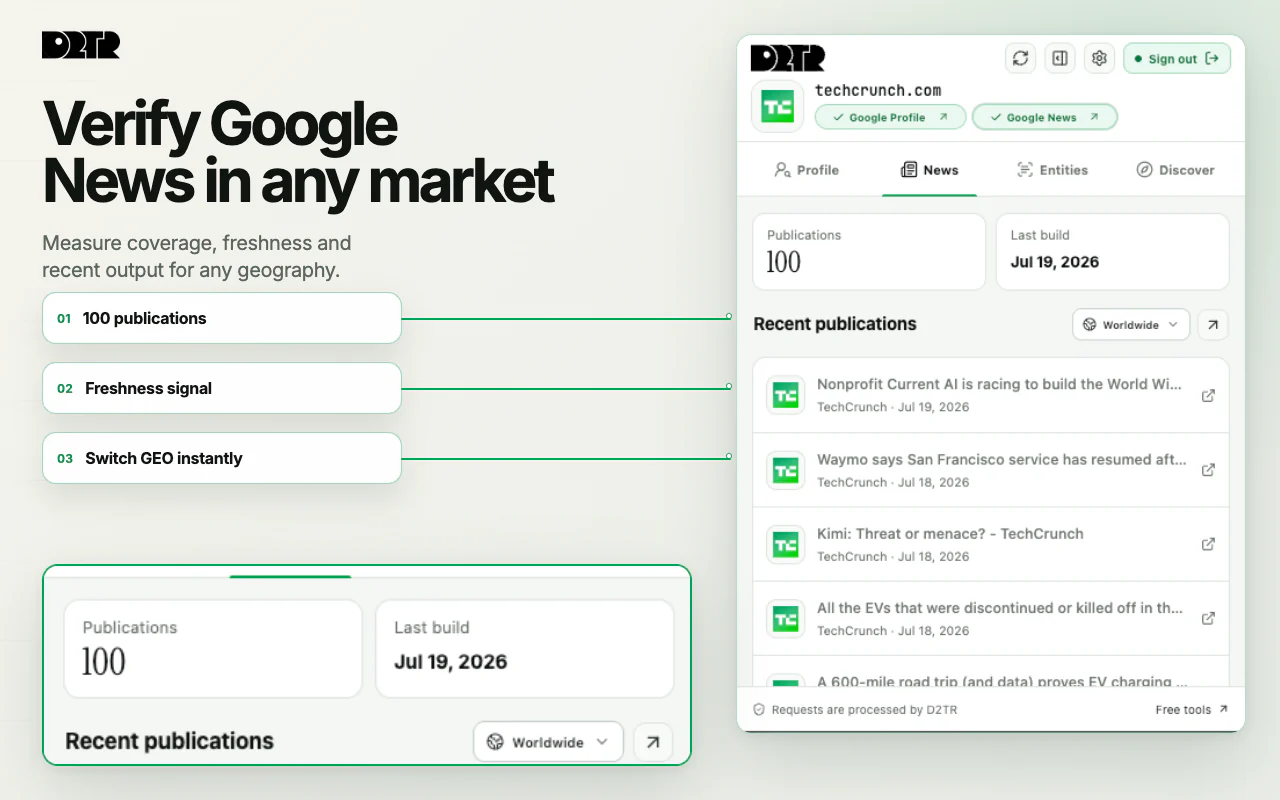
Verify Google News in any market.
Check whether a publisher appears in Google News, switch geography and review volume, freshness and recent stories.
- Regional presence and fresh output without a separate search.
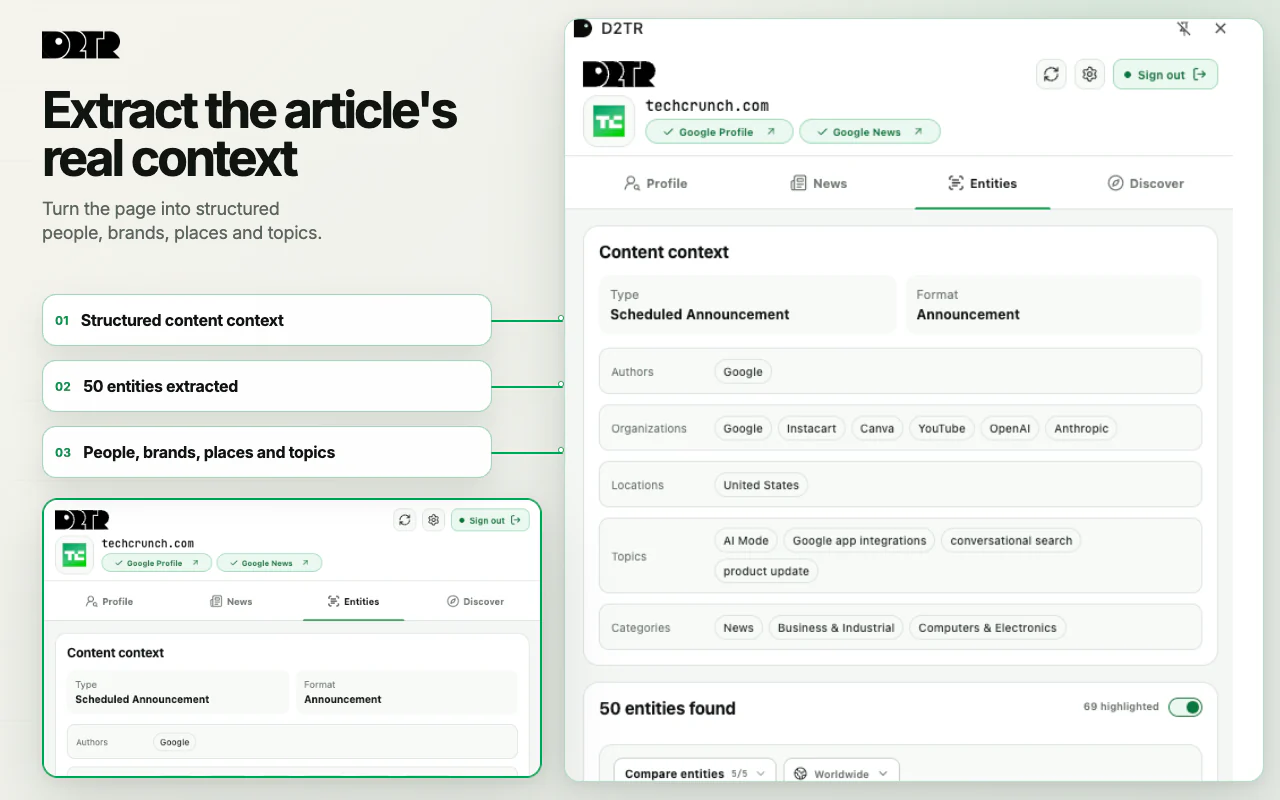
Extract the article's real context.
Turn the current page into structured type, format, authors, organizations, locations, topics, categories and entities.
- Understand the article before you compare demand.
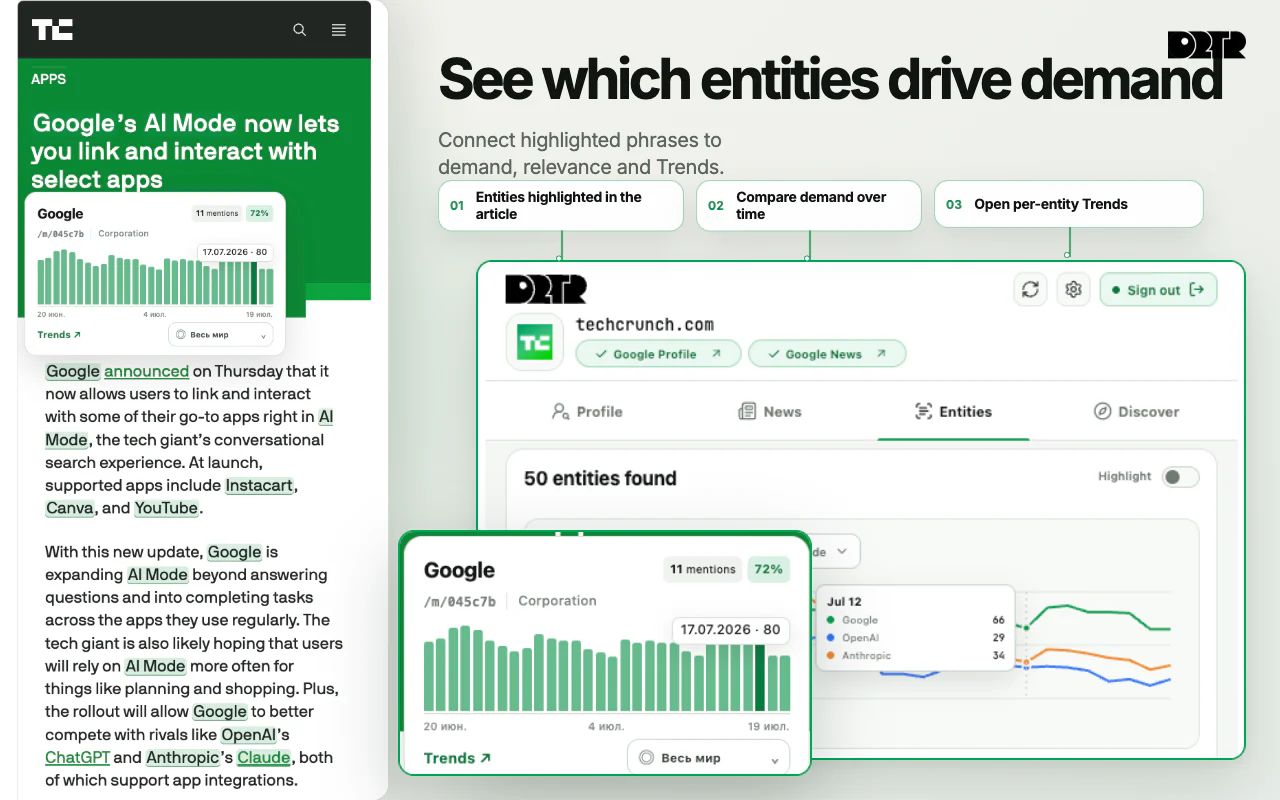
Compare demand across the entities that shape the article.
Highlight entities in the text, inspect individual demand curves and compare several entities across the same market.
- Mentions, relevance and demand in one research flow.
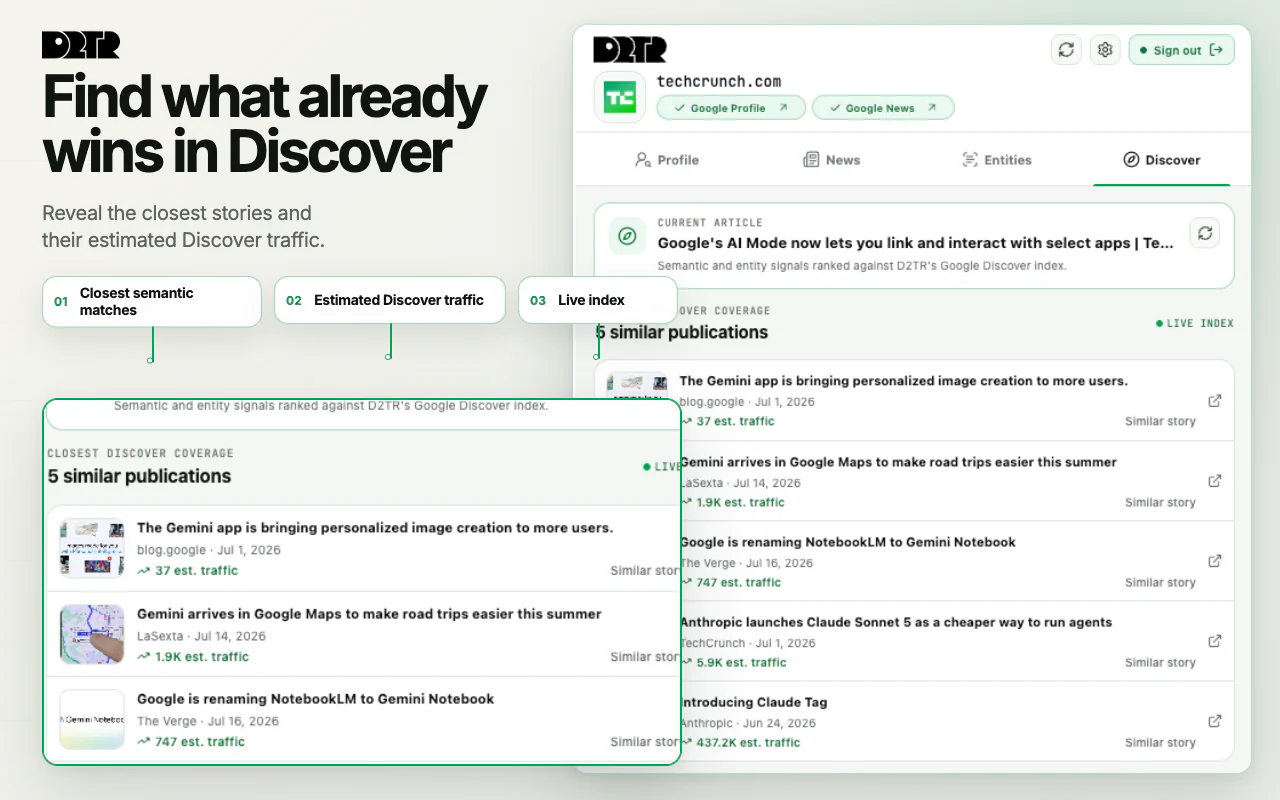
Find what already wins in Discover.
Surface closely related Discover stories with publishers, dates and estimated traffic for faster competitive research.
- Live related coverage with traffic context.
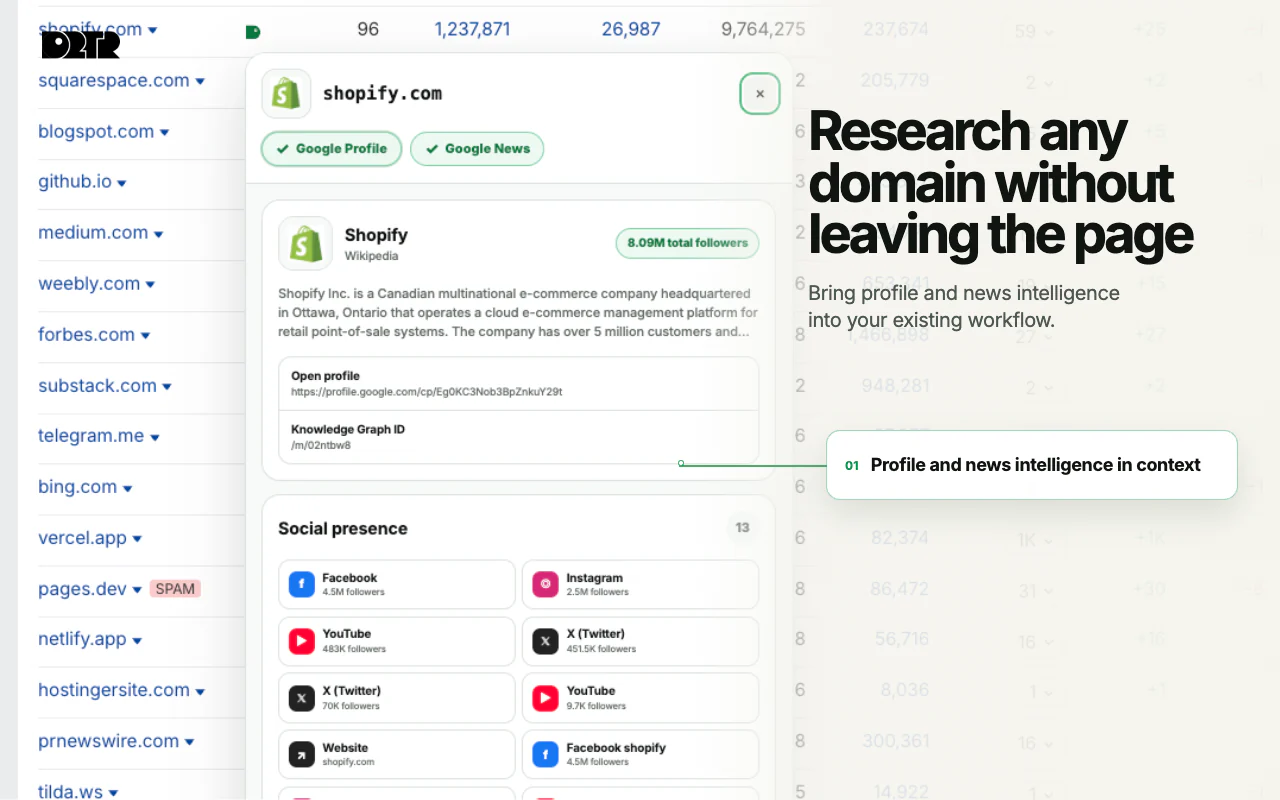
Research any domain without leaving the page.
Open publisher identity, Google News signals and social presence beside a domain inside supported research workflows.
- Bring D2TR into the report you are already using.
Start with the page in front of you
Install from Chrome Web Store
Add the extension once and pin D2TR beside the address bar.
Open a page to research
Use the toolbar or the inline controls added to supported research pages.
Run the check you need
Profile, news, entities and Discover context stay together in one extension.
Focused permissions, visible checks
The extension requests access only when a feature needs the current page or selected domain.
Keep the research in the page
Add D2TR to Chrome and bring publisher, content and Discover signals into the tab you are already using.